
Workflow and system automation
Automate work. Free up your team.
VirIQ connects lead follow-up, internal workflows, and business tools so your team can respond faster and spend less time on manual handoffs.
Why businesses reach out
Recurring work should not drain staff time across the business
Most automation work starts where teams spend too much time on repeat tasks, handoffs, and updates.
Everyday processes take more staff time than they should
Too much routine work still depends on manual handling.
- Teams re-enter the same information across business tools
- Disconnected handoffs delay scheduling and approvals
Connected automation helps the business run with less manual effort
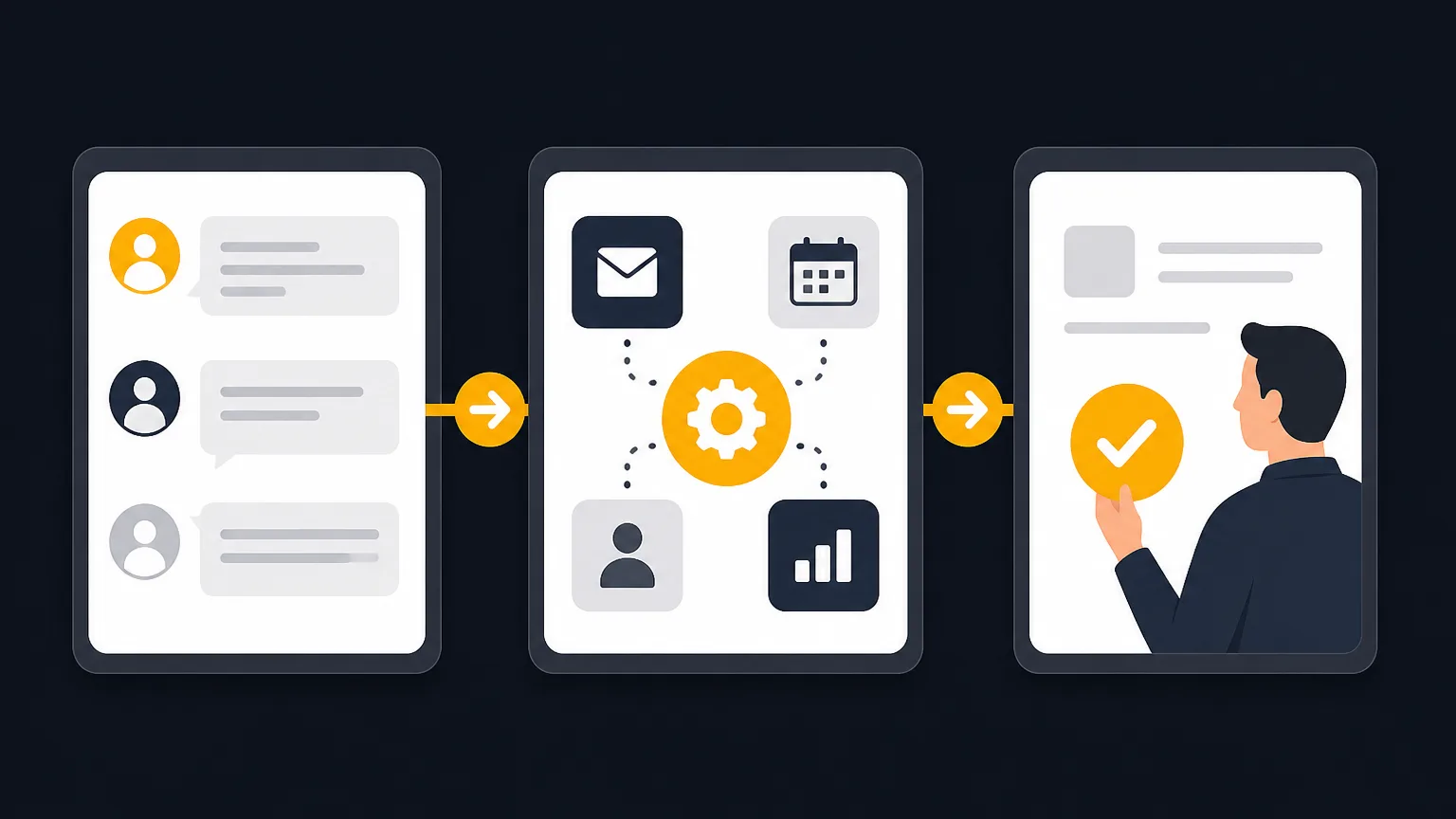
The goal is to reduce repeated staff work, keep information moving, and support faster action across lead follow-up, scheduling, approvals, and billing.
- Faster lead response
- Cleaner handoffs
- Better team visibility
What this work can include
Automation support for lead flow, operations, and connected systems
VirIQ can assess the workflow, connect the tools, and build the logic needed to keep work moving.
Lead follow-up systems
Capture, qualify, route, and respond to new inquiries with less delay and fewer dropped steps.
Sales and marketing sequences
Support outreach, nurture sequences, notifications, and handoffs between marketing and sales activity.
Internal process workflows
Reduce repetitive admin work across intake, approvals, status updates, and recurring internal tasks.
CRM and software connections
Connect the website, CRM, and business tools so records stay aligned across the workflow.
Custom logic and app support
Add tailored workflow rules or business application support when off-the-shelf setups fall short.
AI agent and chatbot projects
Explore assistants, agent workflows, and conversational tools when the use case needs them.
How implementation moves forward
From workflow review to tested rollout
Each project starts with how work happens today, then focuses on what should be connected, automated, or simplified.
Review the current workflow
Identify bottlenecks, repeated tasks, missed handoffs, and the tools involved today.
Map the logic and scope
Define triggers, routing rules, exceptions, approvals, and data that need to move between systems.
Connect tools and build the flow
Use existing platforms where possible, then add custom logic when the workflow needs more control.
Test before rollout
Check edge cases, confirm data is passing correctly, and make sure the workflow supports real team use.
Refine as the business learns
Adjust the process as usage patterns, staffing, or operating needs become clearer.
Questions about connected workflows and implementation
What does this kind of workflow improvement look like for a small or midsize business?
It usually means reducing manual steps between systems and people. That can include lead routing, follow-up sequences, intake steps, CRM updates, approvals, notifications, and recurring admin tasks.
Do we need to replace our current software?
Not necessarily. VirIQ aims to use existing tools first when they can support the workflow well. If they cannot, custom logic or added development can fill the gap.
Can this help our team respond to leads faster?
Yes. Faster response is a common use case. Workflows can route inquiries, trigger follow-up actions, and reduce delays caused by inbox monitoring or manual entry.
How is this different from AI consulting?
Consulting covers assessment, planning, and priorities. Automation puts workflows and connected systems into operation.
Where do AI agents or chatbots fit?
They fit when a business needs conversational help, guided interactions, or task support beyond standard workflow automation. VirIQ covers that on the dedicated AI agents and chatbots page.
What if we are not sure where to start?
That is common. A project can begin with reviewing the current workflow, identifying the biggest friction points, and scoping the first useful automation step.
What buyers can expect from the work
The work centers on careful scoping, clear workflow logic, testing, and rollout decisions that fit how the business operates.
Existing tools come first
The work starts by seeing what your current systems can already support before adding more complexity.
Workflow logic gets defined clearly
Triggers, handoffs, and exceptions are mapped so the automation supports real operating needs.
Testing happens before rollout
Connections and edge cases should be checked before a process becomes part of daily work.
Custom work stays tied to the use case
If off-the-shelf tools are not enough, added logic or development should solve a specific business problem.